
Submitting a Clock Hour Proposal
You must be an approved clock hour submitter to create and submit a proposal. Your district clock hour contact or agency contact can request that you be added to the list of approved submitters by contacting clockhours@esd113.org.
Overview of steps:
- Log in to pdEnroller.

- Click on the Clock Hours menu item.
- Choose “Clock Hour Proposals” from the drop-down list.
- Click on the Drafts menu item.
- Click the button labeled “New Proposal.”
- Choose the committee where you will offer clock hours. If you are only assigned to one committee it will be preselected.
- Click “Create New Proposal” or “Repeat Past Proposal.” The Repeat Past Proposal option allows you to duplicate a previous proposal.
- When repeating a proposal, take care to update all relevant dates.
- Give the repeat proposal a unique name.
- Give your proposal a title. You may also add a subtitle (optional). The Short Title is also optional, but if used it must be unique in the system. We recommend leaving this field blank unless instructed otherwise. Click the “Save” button.
- The next screen has a series of tabs across the top. Fill in the forms with the information for your clock hour proposal. You may work through the tabs in any order. For more detailed information, follow the link below.
- Once you have completed all tabs, go to the “Preview” tab. You will see a preview of the information you entered at the top of the page, and a validation checklist at the bottom. Missing items will be in red with a bold ! at the beginning of the line. You will not be able to submit the proposal until you correct all errors.
- Click the “Submit for Approval” button.
- The clock hour committee will review the proposal and will contact you if they have any questions.
- Once the proposal is approved, the event will be added to your district catalog.
Download detailed instructions (pdf)
Video training materials
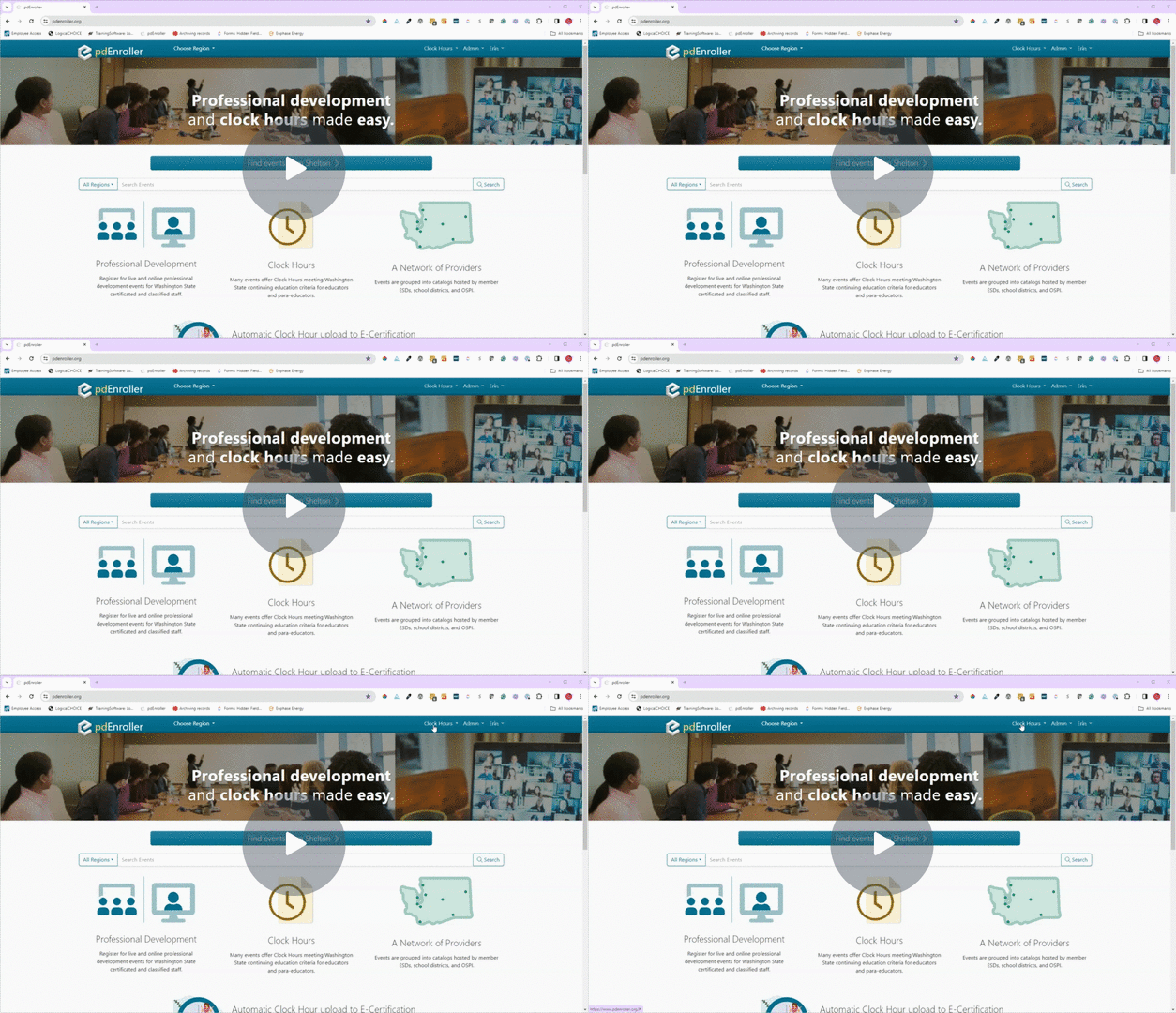
Getting Started and Proposal tab
Creating a Clock Hour Proposal – Getting Started and Proposal tab – Watch Video
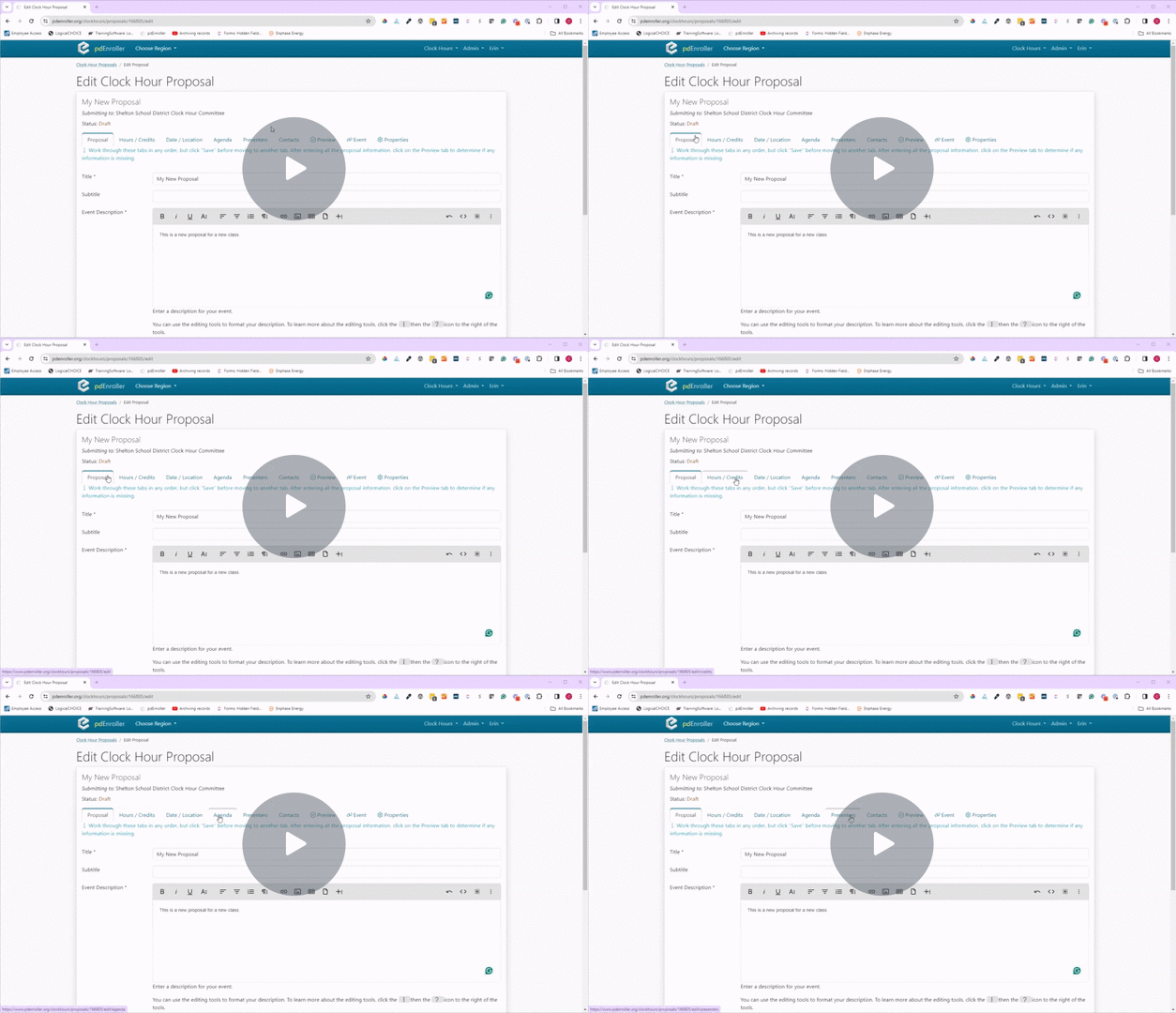
Hours/Credits tab
Creating a Clock Hour Proposal – Hours/Credits tab – Watch Video
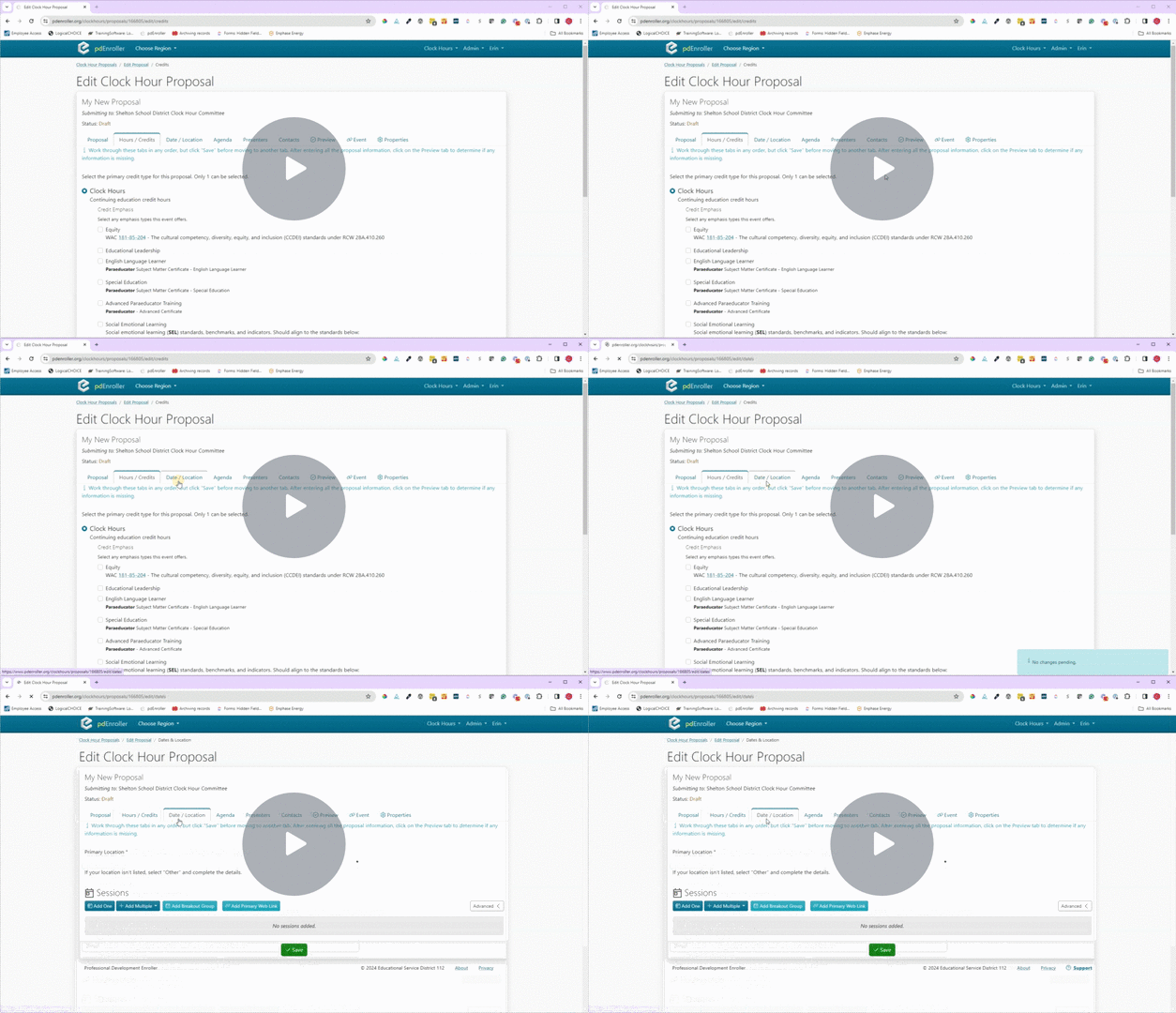
Date/Location tab
Creating a Clock Hour Proposal – Date/Location tab – Watch Video
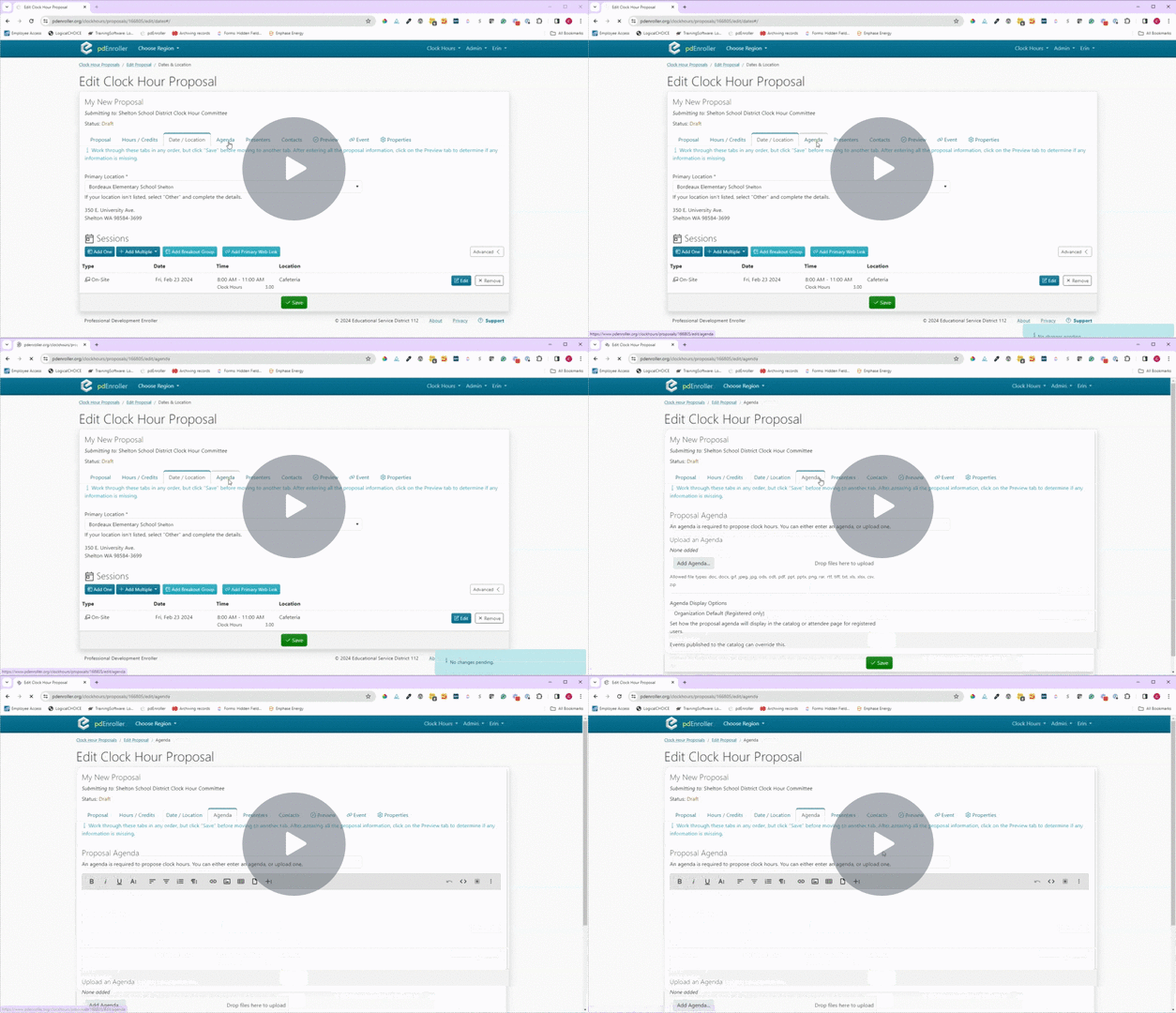
Agenda tab
Creating a Clock Hour Proposal – Agenda tab – Watch Video
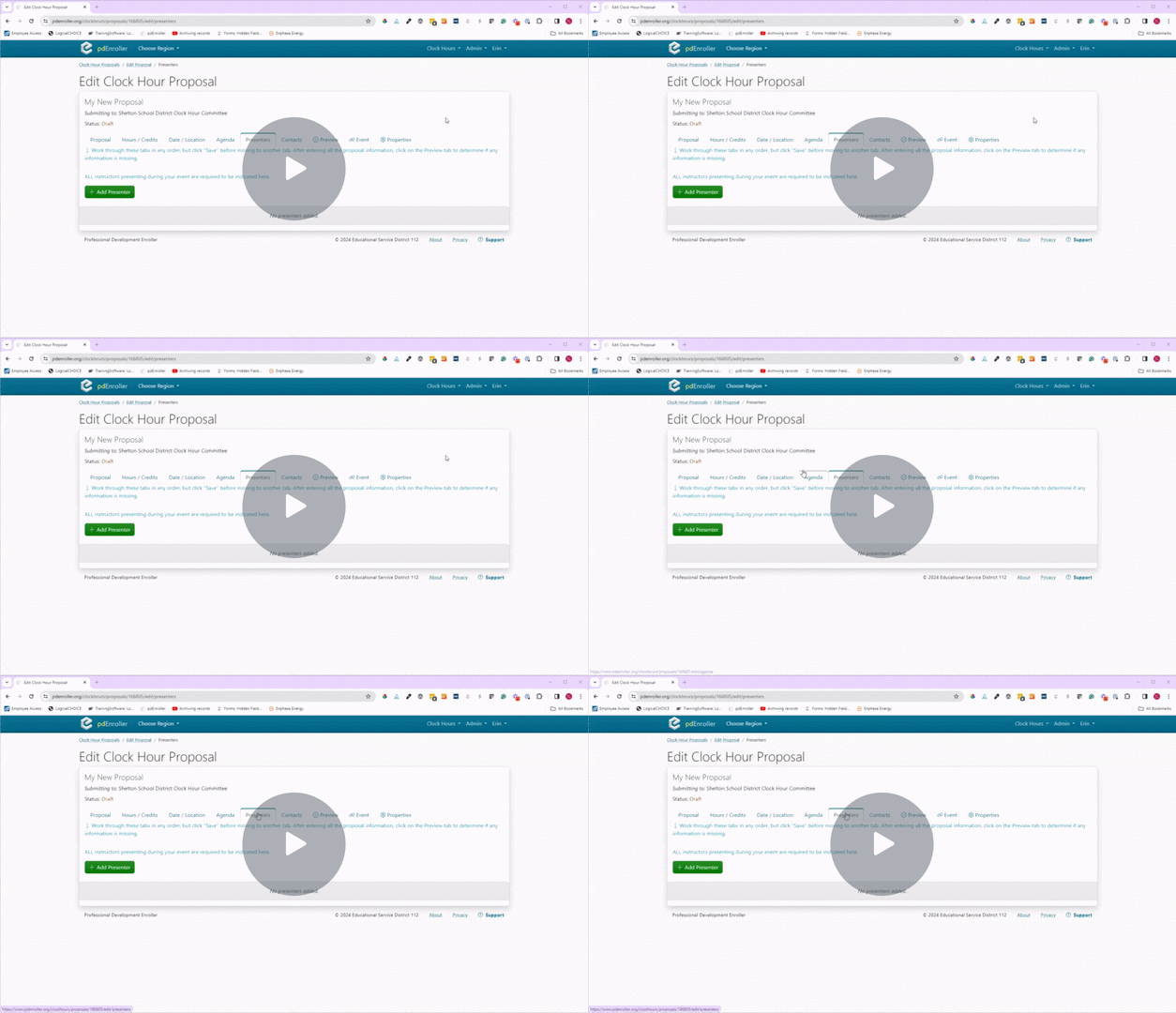
Presenters tab
Creating a Clock Hour Proposal – Presenters tab – Watch Video
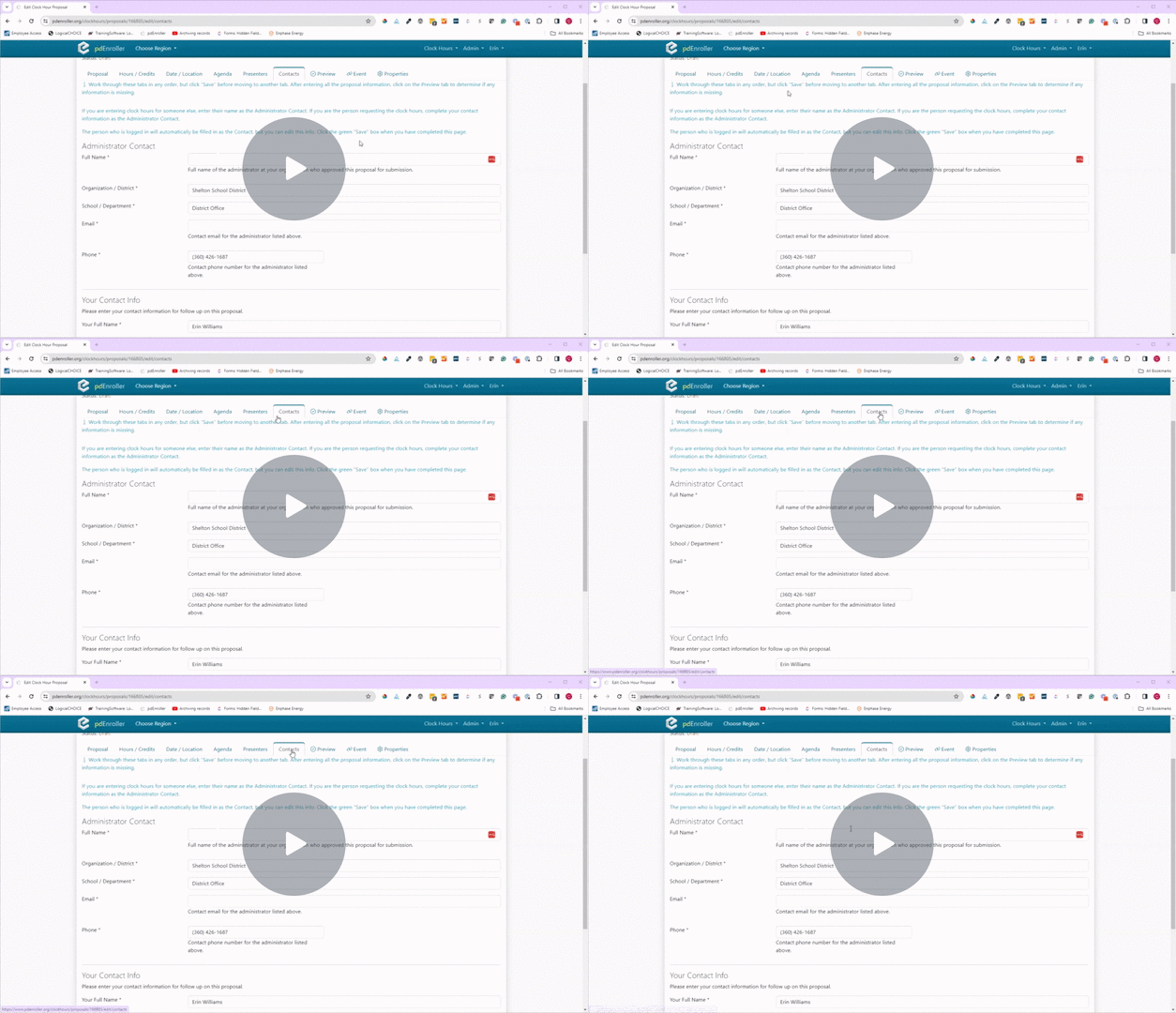
Contacts tab
Creating a Clock Hour Proposal – Contacts tab – Watch Video
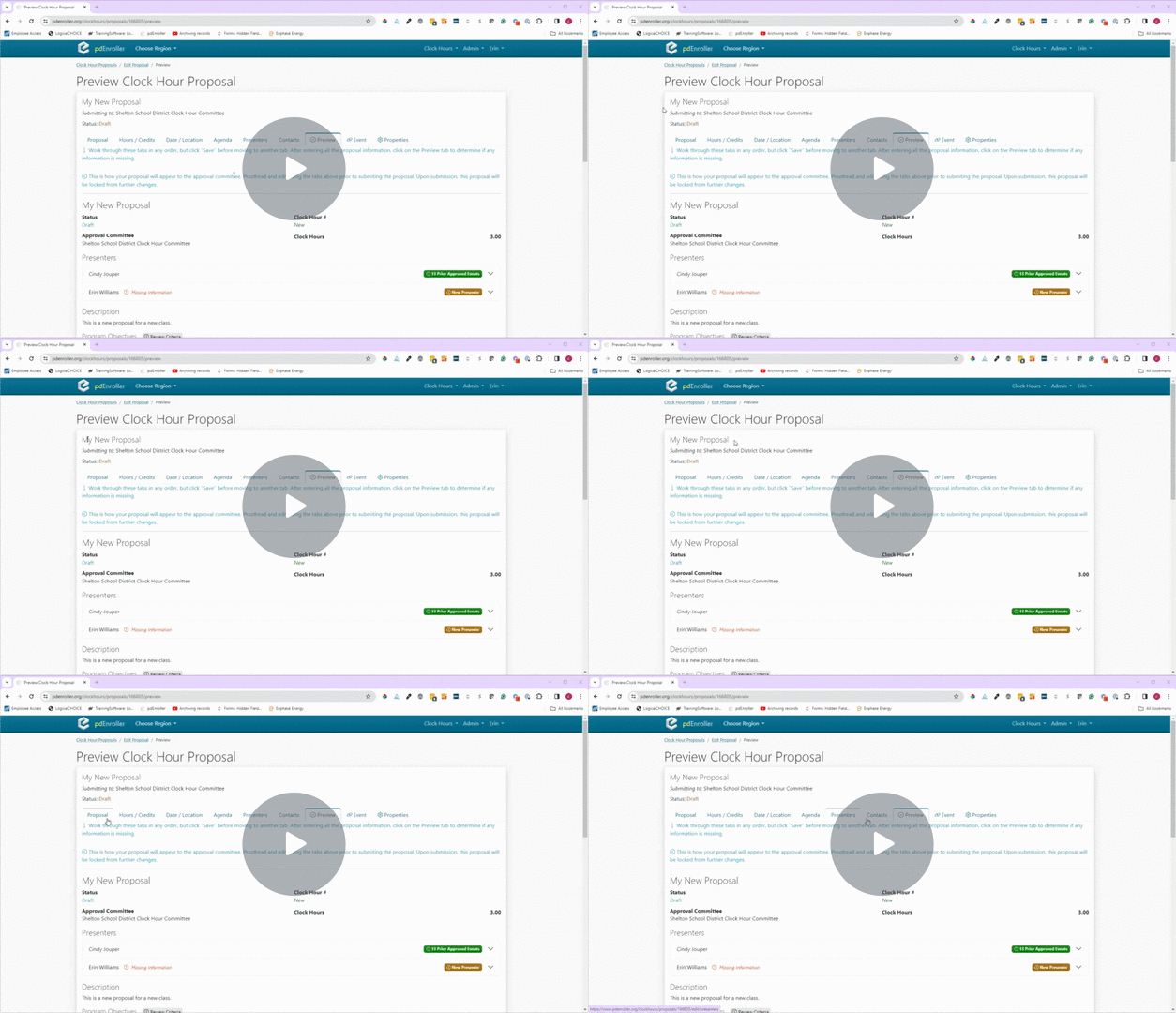
Preview tab
Creating a Clock Hour Proposal – Preview tab – Watch Video
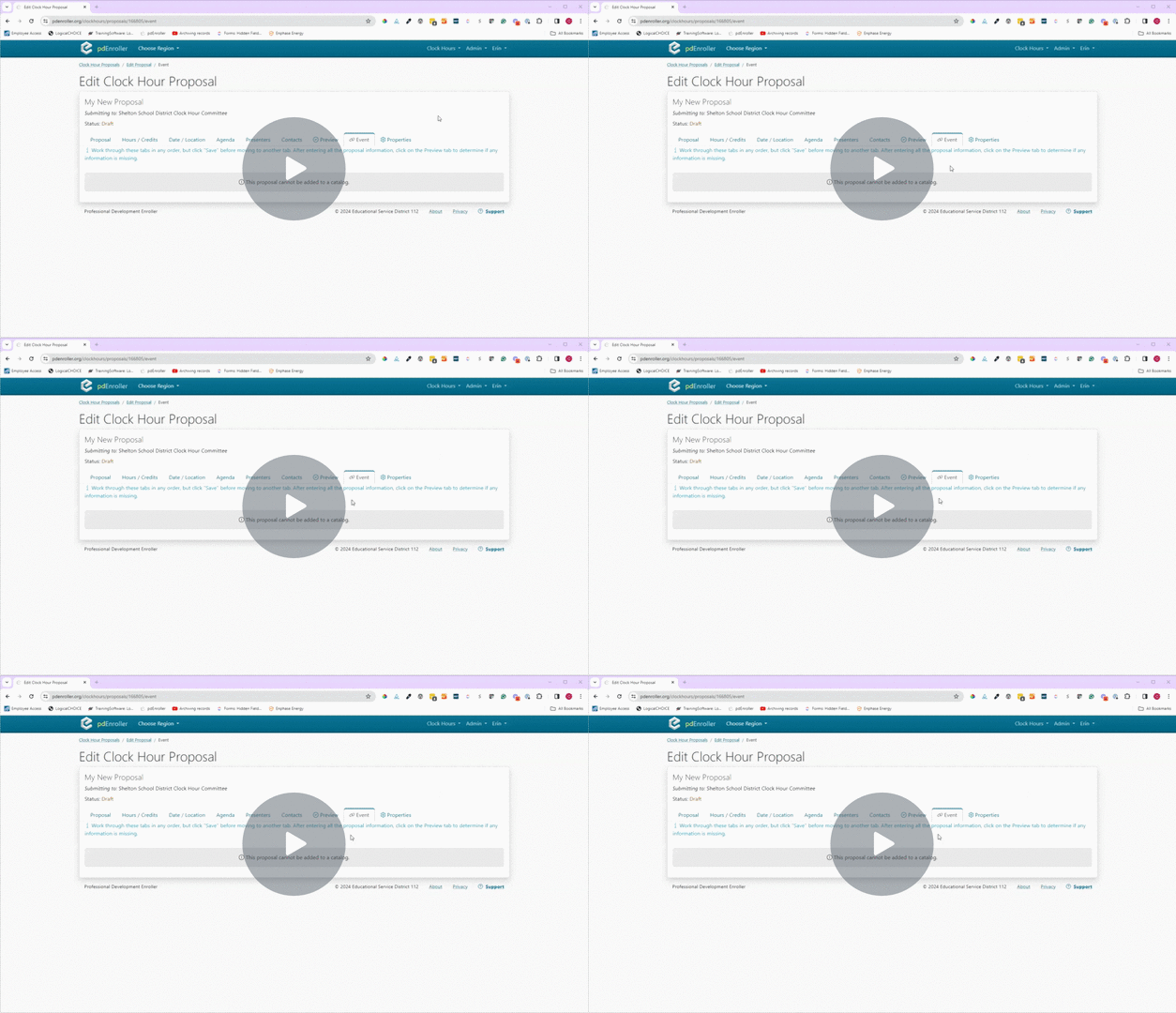
Event and Properties tabs
Creating a Clock Hour Proposal – Event and Properties tabs – Watch Video
Last update 05/04/2026