
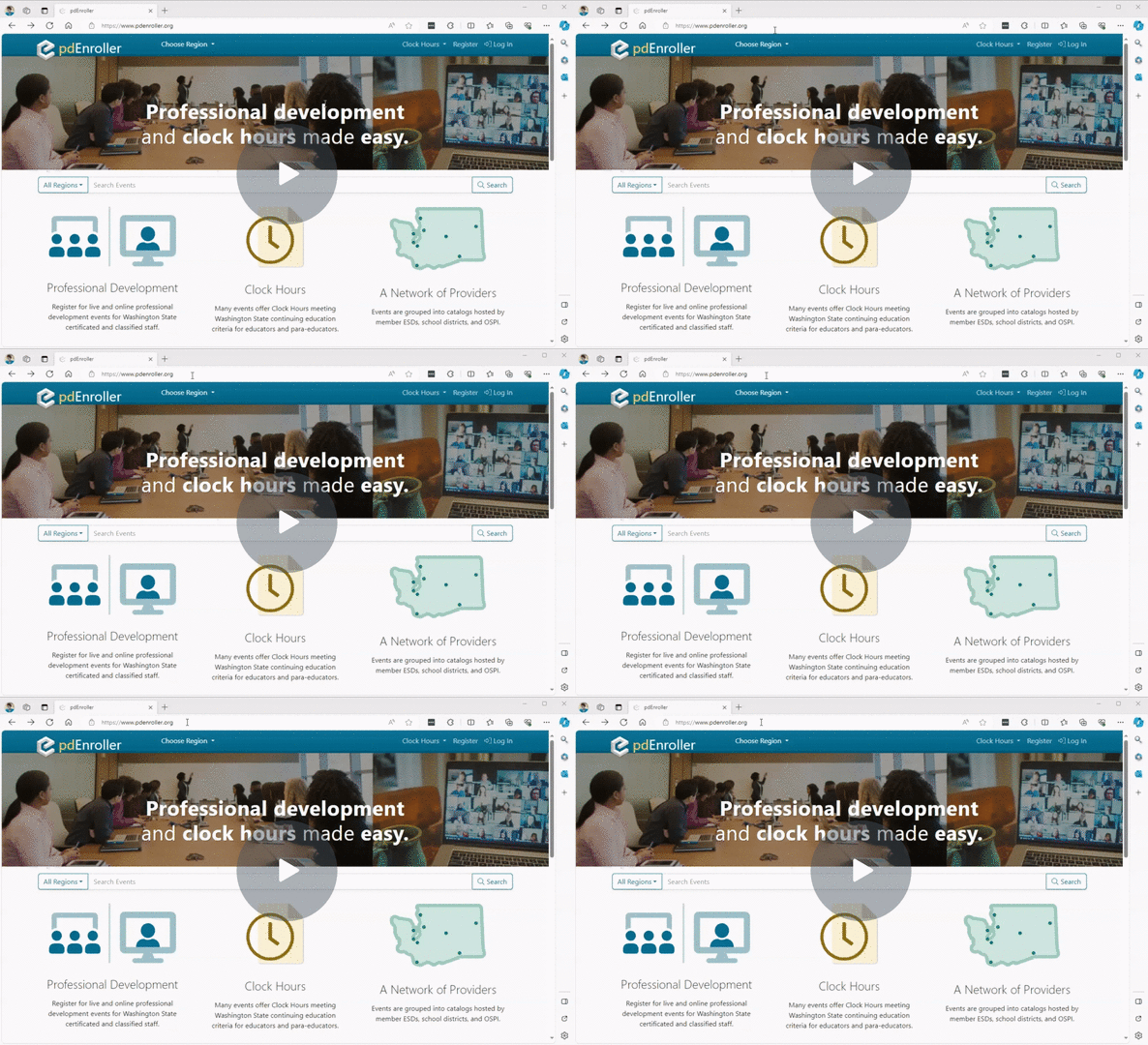
- Go to pdEnroller

- Click Login.
- Click the link that says, “New to pdEnroller? Create an account.”
- Complete the form and click the Create Account button.
- You will receive a confirmation email. Click on the link in that email and follow the instructions to set up your account.
- If you have moved and don’t have access to your old email account, create a new account then contact us to merge your accounts together. This will allow you to have all of your clock hours on a single transcript. Please list all email addresses you may have used.
Last update 1/12/2024