pdNorthwest
  • Course Catalogs
  • Clock Hour Submitters
  • District Admins
  • Participants
HomeAccordion ItemsRegister for a class

Register for a class

  1. Go to the Course Catalog page and find your district.
  2. Select the class from the list. (If the date of the class has passed, click the Calendar view to find it.)
  3. Click the “Register Now!” button.
  4. Follow the prompts to complete the registration.
  5. If registration is closed, contact clockhours@esd113.org to be added to the roster.
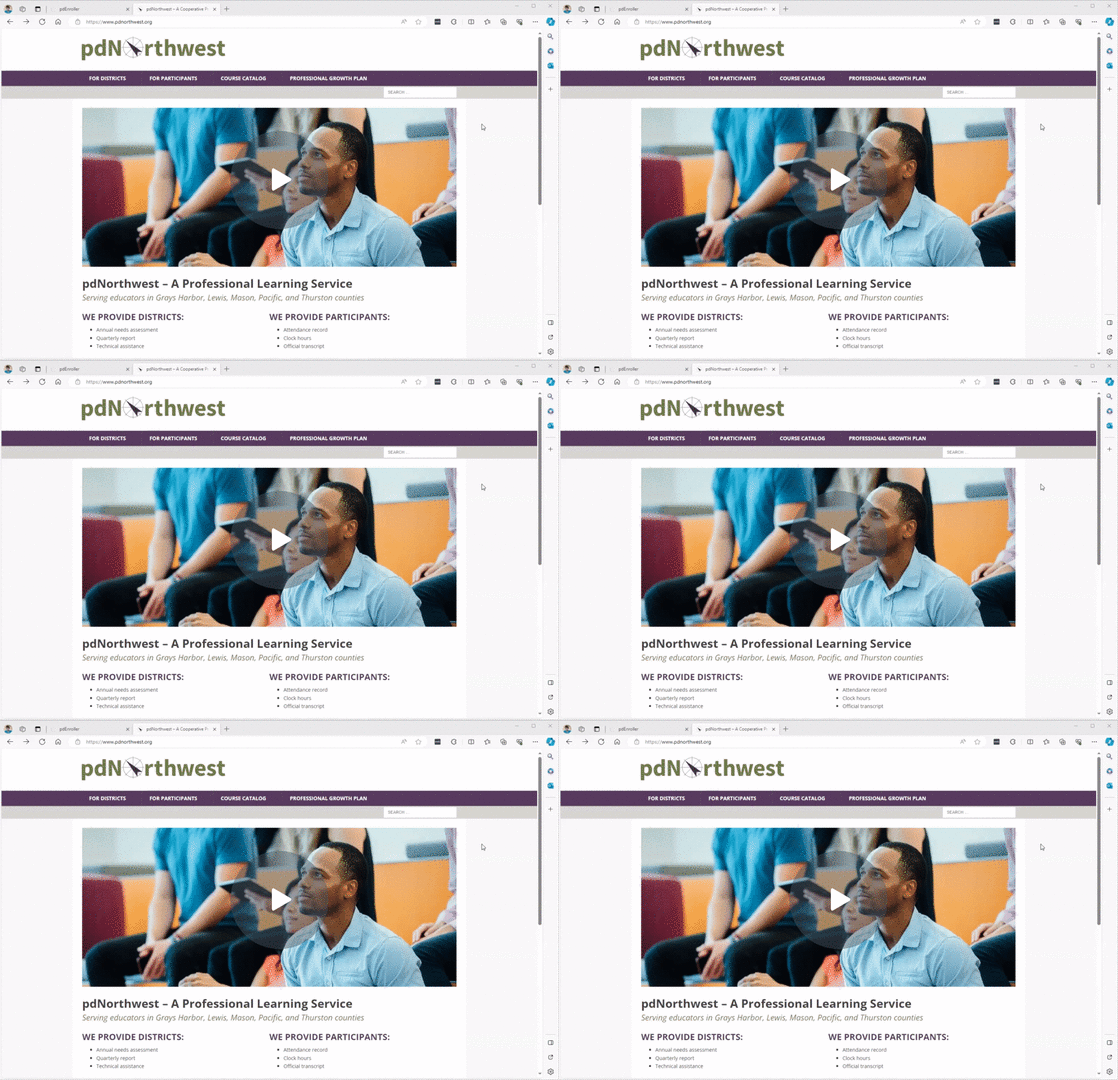
Registering for a Class – Watch Video


Last update 1/30/24

Previous

Print your transcript

Next

Create an account

Recent Posts

  • Clock Hour Policy Changes
  • PESB Announces Certificate Expiration Dates Extended One Year For Educator

Recent Comments

    Archives

    • May 2020

    Categories

    • Uncategorized

    pdNorthwest Overview Zoom

    Meta

    • Log in
    • Entries feed
    • Comments feed
    • WordPress.org

    Copyright © 2020 | pdNorthwest